AWS Client VPN Automation
7/1/2023 • VirtueCloud
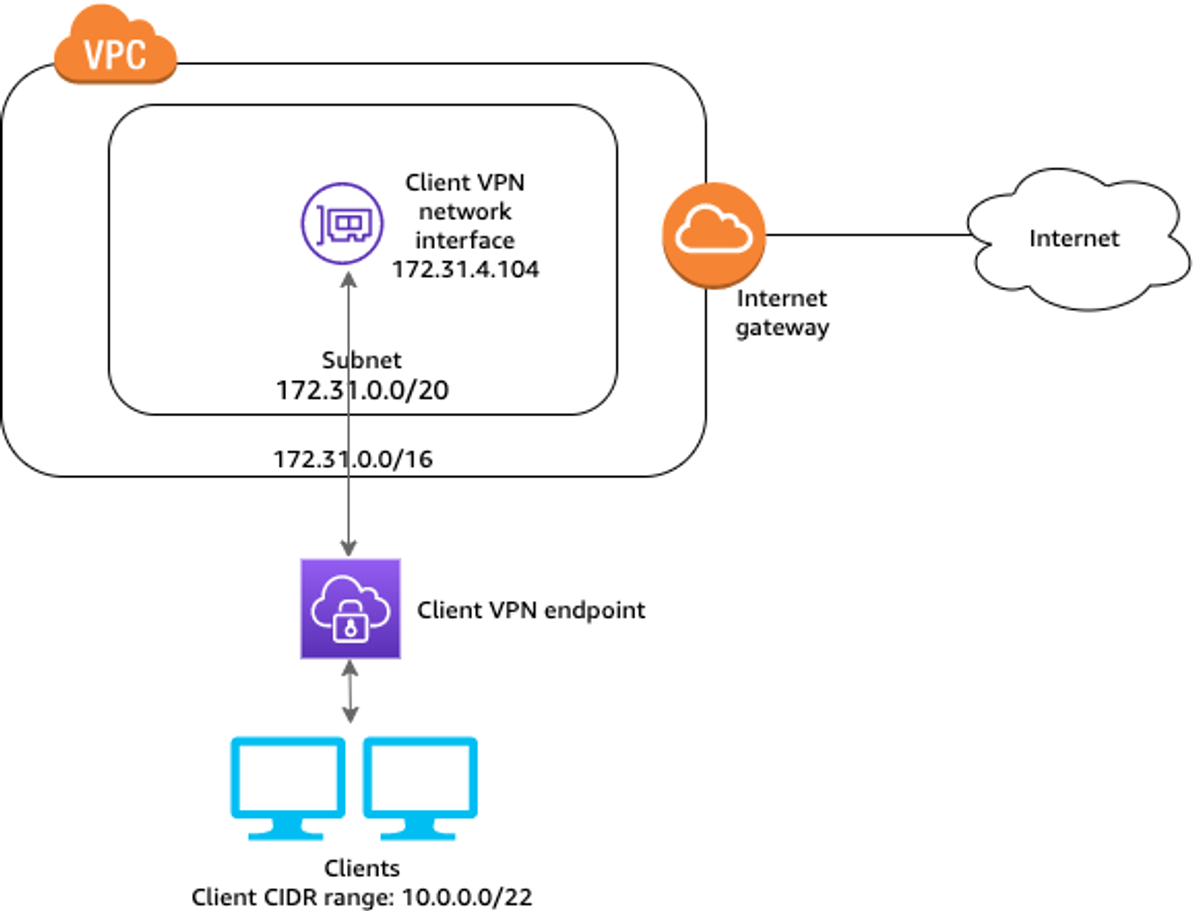
How Client VPN Works
AWS Client VPN is a service that enables a secure VPN connection from a device running VPN client software to the Client VPN endpoint created in your VPC. It utilizes OpenVPN, meaning that the native VPN services on systems like Microsoft Windows and Apple macOS will not establish a connection.
Once the VPN client on the device connects to the AWS Client VPN endpoint and authenticates, it establishes an encrypted tunnel through the Internet to the AWS VPC. This allows users to securely access resources in the AWS network without exposing non-public systems to possible attacks. Alternatively, people uses bastion host in which one have to keep an instance up all the time and it is also not recommended way to access resources inside VPC.
Due to the complexity in deploying an AWS Client VPN manually, we have implemented automation to simplify the process and reduce efforts like adding or removing users.
Prerequisites
- AWS CLI Configured on LocalMachine.
- Terraform installed on LocalMachine.
- VPC (Virtual Private Cloud).
Clone the given GitHub repository in your LocalMachine — https://github.com/virtuecloud/VPN-Automation.git
Update the values.auto.tfvars with the following values
- VPC ID in vpc_id variable
- VPC CIDR in target_network_cidr variable
- Subnet ID in subnet_id variable
- VPN Name in vpn_name variable
- Client VPN CIDR in client_cidr_block variable
Note - The address range cannot overlap with the target network address range, the VPC address range, or any of the routes that will be associated with the Client VPN endpoint. The client address range must be at minimum /22 and not greater than /12 CIDR block size. You cannot change the client address range after you create the Client VPN endpoint.
- Change server name variable in vpn-rsa.sh file according to your requirement.
Note- By Default it is set to vpn-server. You should change if you are using automation script to create multiple Client VPN for Different VPC.
Commands for Deploying Client VPN to AWS
- If creating Client VPN for first time in AWS (With Terraform)
Note- check if current working directory is where you cloned the repository
./vpn-bash/vpn-rsa.sh example-clientname.com init terraform
Note- In this command, replace example-clientname.com with whatever is appropriate for your organization.
Explanation :
At Argument 0 — Command to run bash script inside vpn_bash folder.
At Argument 1 — We are giving client name which user has to input for INIT/ADD/DELTE Option
Also Read
Related articles you might find interesting
Ingress Got You This Far — A Field Guide to Gateway API & HTTPRoute
Why platform teams are re-routing north-south traffic through the Kubernetes Gateway API, what HTTPRoute changes on the ground, and how to migrate without a big-bang rewrite.
AWS Graviton: High-Performance Compute with Energy Efficiency and Cost Savings
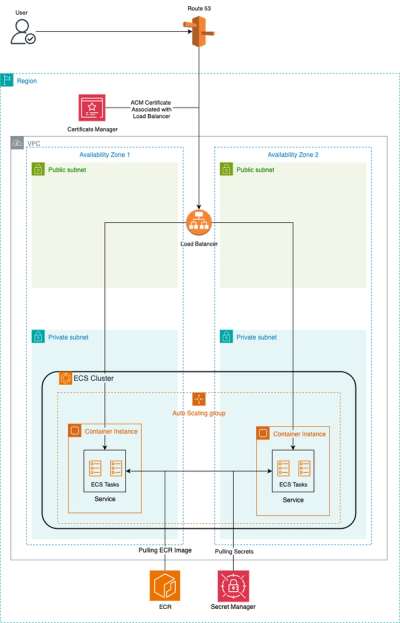
Automated ECS Deployment: Fargate or EC2, Make it easy with VirtueCloud
Hassle-Free ECS: Terraform Automation + CI/CD Pipeline